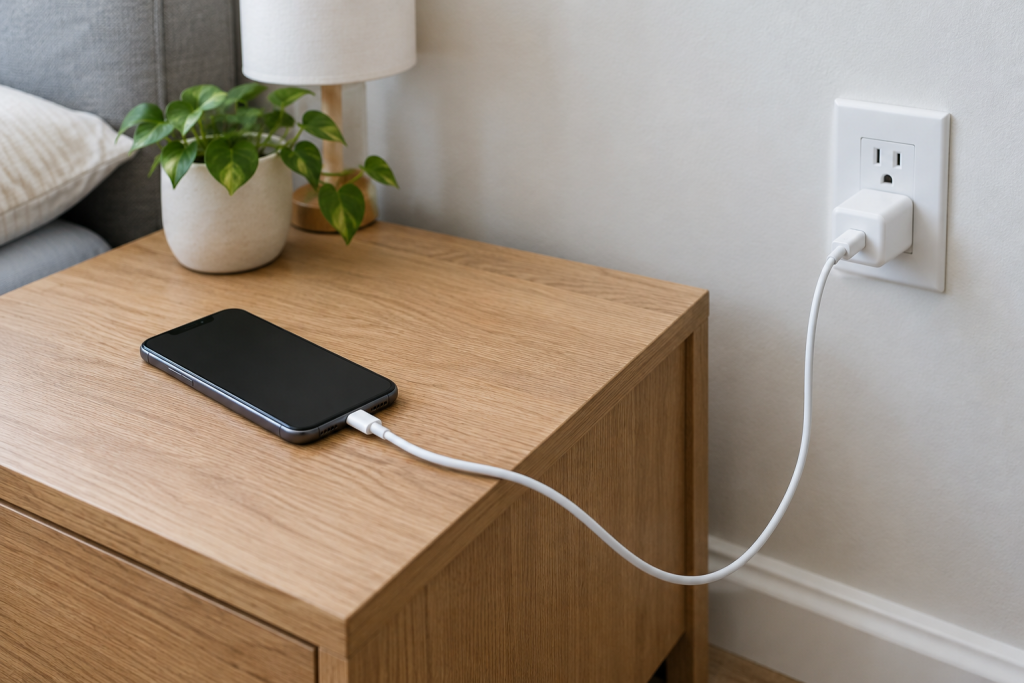
Start with a wall outlet, charger, and cable
A computer or car USB port may supply less power than a wall charger. Plug the phone into a wall outlet with a charger and cable known to work with it; if you’re using a multi-port adapter, disconnect its other devices for the test because it may divide available power between ports.
Fast charging also depends on compatibility, not just the wattage printed on the charger. For USB-C phones that use USB Power Delivery (USB-PD), the charger and phone need to support a compatible charging profile. A phone may charge more slowly if the accessories use a different fast-charging standard or the cable is damaged. If you can, borrow a compatible charger and cable, then swap one part at a time while keeping the outlet the same.
Give the phone a chance to cool
Gaming, navigation, and other demanding tasks use power while the phone is plugged in and can add heat. The phone may then slow charging to manage its temperature. Pause those tasks, turn off or dim the screen, and move the phone out of direct sunlight. Check again once it has cooled and is idle.
Read the charging alert and check battery settings
A charging message can point to the cause. An iPhone slow-charger warning indicates that the power supply may be limiting the charge. If an iPhone pauses around 80%, Optimized Battery Charging may be delaying the rest to reduce battery aging; that pause alone does not mean the phone is faulty.
On Samsung Galaxy phones, check the battery or charging settings to see whether fast charging is enabled. Menu names vary by model, so use the setting available on your phone.
Check the port connection, then decide if it needs repair
Unplug the cable and check whether it seats fully and securely. Look into the port for visible debris, and pay attention to any moisture warning on the screen. If a moisture warning appears, unplug the charger and avoid wired charging until the port is completely dry. A loose fit or charging that cuts in and out can point to a connection problem.
Don’t force anything into the port or use metal tools; they can damage the connector. If the port looks obstructed and you’re unsure how to clean it safely, leave it alone. If charging is still slow with known-good, compatible accessories while the phone is cool and idle, and no charging limit explains it, arrange an inspection by the manufacturer or a qualified repair service. The port or other charging hardware may need attention.